
If you wish to stop your subscription from auto-renewing, you can do so at any time using one of the two methods below.
Method 1: Cancel via FastSpring Email (Self-Service)
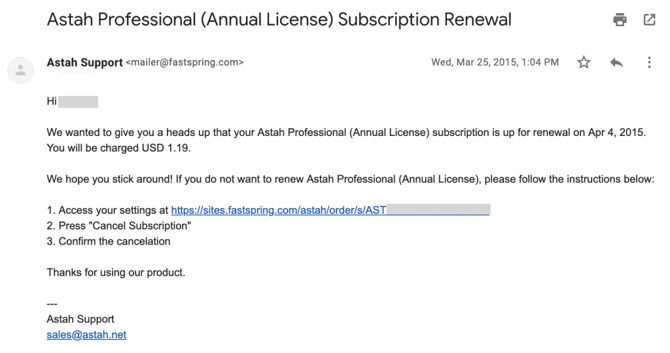
Our online store provider, FastSpring, sends an automated notification email 10 days before your subscription is set to expire.
-
Locate the email from
mailer@fastspring.com. -
Open the unique management link provided in the body of the email.
-
On the subscription management page, click the [Cancel Subscription] button.
-
You will receive a confirmation email once the cancellation is processed.
Method 2: Submit a Cancellation Request
If you cannot find your email or prefer our team to handle the process for you, please submit a formal request.
-
Action: Fill out and submit the Cancellation Request Form.
-
Processing Time: Please allow 1–3 business days for our licensing team to process your request.