
Whether you created your account manually or had one automatically generated via a purchase through our online store or ComponentSource, follow these steps to access your Change Vision (CV) Members portal.
How to Log In
-
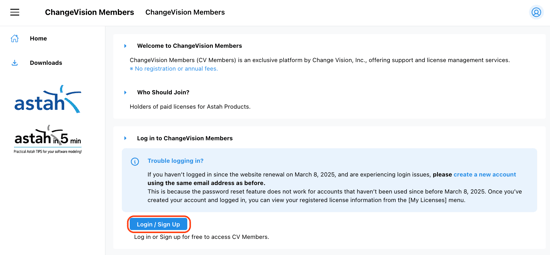
Go to the CV Members site and click the [Login / Sign Up] button.
-
Select Your Sign-In Method Choose the method associated with your registration:
-
Sign in with Google: Use the Google account linked to your Astah purchase.
-
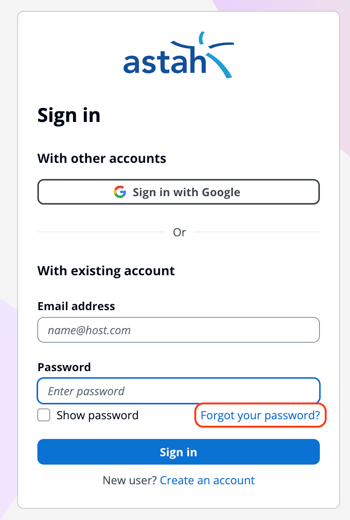
Email & Password: Enter your registered email address and password, then click [Sign in].
-
Password Recovery (Forgot Password)
If you do not know your password - common if your account was automatically created after a purchase - follow these steps:
-
On the Sign-in screen, click the [Forgot your password?] link.
-
Enter the email address used during your purchase at the online store or ComponentSource.
-
Check your inbox for a reset link and follow the prompts to create a new password.